
Resume PDF or DOCX is not a contest with one winner for every application. The correct choice begins with the employer's instruction and the upload field in front of you. When neither gives a preference, a text based PDF is usually a practical default for direct sending because it preserves the page you approved. DOCX remains useful when a portal explicitly asks for Word, a recruiter needs an editable file, or your own test shows that the application form extracts it more reliably.
The important distinction is between an editable source and a submitted artifact. Keep a DOCX or another editable master for revisions, but send the format the recipient can use as intended. Before submitting, open the actual attachment, inspect every page, and test whether its text can be selected in a sensible reading order. That small routine is more dependable than claims that one extension is always ATS friendly.
Resume PDF or DOCX: start with the employer's instruction
Read the vacancy, application page, upload control, confirmation email, and recruiter message before deciding. A line such as “PDF only,” “upload a Word document,” or “accepted formats: PDF and DOCX” is part of the application requirement. Follow it even when your usual preference is different. A technically elegant file is still the wrong file if the portal rejects it or the employer asked for something else.
Treat the upload control as evidence, not a complete recommendation. If it accepts only DOCX, the choice is settled. If it accepts both formats, you still need to consider who will open the document and whether the form extracts information into separate fields. If the control accepts images as well, that does not make a screenshot or scanned page a good resume. Accepted merely means the system can receive the file.
When instructions conflict, ask the named contact if time allows. Otherwise, prioritize the most specific and recent direction: a recruiter message about your application outranks a general careers page, and a mandatory field restriction outranks a broad file checklist. Save the instruction with the vacancy so you can explain the decision later rather than relying on memory.
- Explicit employer or recruiter instruction
- Actual extensions accepted by the upload field
- Any file size, page count, or naming restriction
- Whether extracted details must be verified
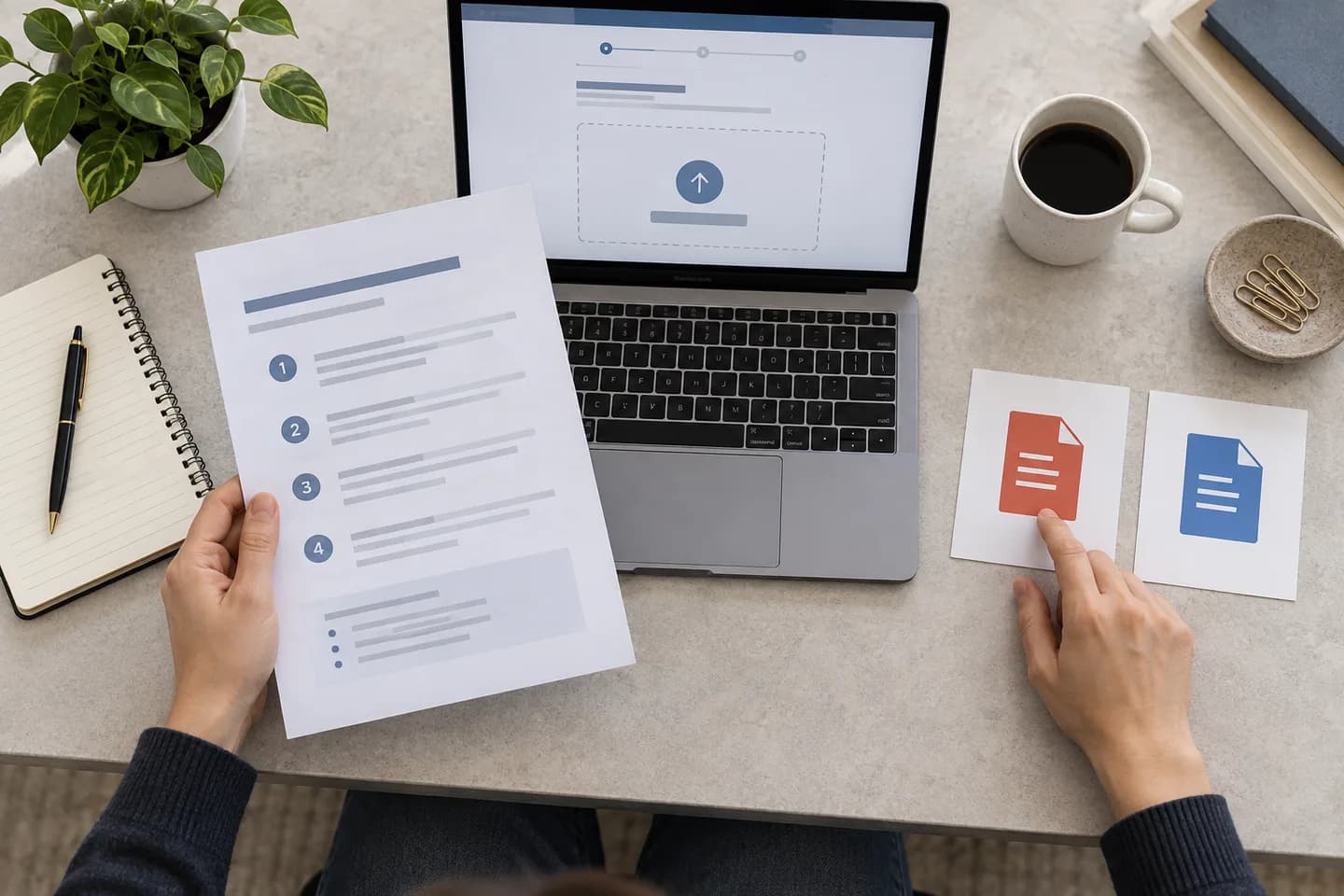
Choose a text based PDF when presentation must stay fixed
A well exported PDF preserves page breaks, spacing, headings, and type more consistently across devices. That makes it a strong default when you email a resume directly, attach it to a message, or use a portal that accepts PDF without requesting an editable document. The University of Pennsylvania Career Services advises applicants to convert the finished resume to PDF and name it clearly, while also noting that some employer systems require information to be pasted into a form.
PDF is a container, not a quality guarantee. Export from the original document instead of printing and scanning it. You should be able to select your name, a job title, and a complete bullet. Search for an employer name inside the file. If nothing can be selected or found, the resume may be an image only PDF, which forces a system to use optical character recognition and can introduce avoidable errors.
Use standard fonts and a restrained structure before export. A PDF can faithfully preserve a layout that is still difficult to parse, such as essential dates in decorative text boxes or a two column reading order that becomes scrambled. Review the underlying design with the CVura resume formats guide, then export only after the information hierarchy is clear without decoration.
Use DOCX when the workflow genuinely needs an editable file
Send DOCX when the employer or recruiter explicitly requests Word, when an agency has explained that it needs an editable copy, or when an application portal accepts both formats and your controlled test shows better extraction from DOCX. Use the current DOCX format rather than the older DOC unless the instruction says otherwise. Keep the content simple enough that opening it in another compatible editor does not destroy the structure.
The tradeoff is layout stability. Font substitution, different page settings, software versions, and printer defaults can change line endings or push one bullet onto a new page. Avoid relying on manually positioned text boxes, floating shapes, or unusual fonts. Use paragraph styles, ordinary margins, consistent tabs, and real bullets. Then open the document on another device or in another word processor before submission.
Editable does not mean the recipient is entitled to rewrite your history. If a recruiter asks for Word without explaining why, you can ask how the file will be used and retain your own approved PDF. Never send a document containing tracked changes, comments, hidden notes, earlier salary details, or another employer's name. Accept all intended edits and inspect the document properties before upload.

Do not let an ATS myth make the decision for you
There is no universal ATS resume file format that every employer processes identically. Systems, configurations, integrations, and recruiter workflows differ. A modern platform may read a straightforward text based PDF well, while another workflow may prefer DOCX for field extraction. The vacancy's instruction and your observed upload behavior are more relevant than a generic claim that every PDF fails or every Word file is safe.
Watch what happens after upload. If the form populates your name, employers, titles, and dates, verify each field against the source. Correct extraction errors in the form rather than assuming the uploaded file will override them. If the portal creates a preview, inspect it. When a preview is blank, cropped, or reordered and the portal allows another format, retry with your tested alternative before completing the application.
An ATS and job match review can help you inspect headings, evidence, and vocabulary, but no score proves that a particular employer will parse or rank the file in a certain way. Keep familiar section headings, ordinary text, clear dates, and a logical chronology. Those choices improve both software extraction and human reading without pretending to guarantee an outcome.
Run a two minute text and reading order test
Open the exported file outside the editor that created it. Select all text, copy it, and paste it into a plain text document. Read from the top. Your name and contact details should appear near the beginning, followed by sections in a coherent order. Employers, titles, dates, and bullets should remain associated. Decorative symbols may disappear; the core meaning must not.
Next, search inside the file for one employer, one skill, and one distinctive phrase from an achievement. If a visible phrase cannot be found, it may have been converted to an image or outlined shape. Check whether characters, ligatures, and punctuation survive. This is especially important after exporting through an unfamiliar online converter or when a custom font was used.
The text test is not a simulation of every hiring system. It is a basic quality check that catches obvious extraction failures before the file leaves your device. If the order is confusing, simplify the source document rather than repeatedly converting the same complicated layout. A clear single column structure is often easier to repair than a design built from independent boxes.

Check the page a human will actually see
After the text test, inspect the visual artifact at 100 percent zoom. Confirm that no contact detail is clipped, dates align consistently, bullets do not split awkwardly, and headings stay with the content they introduce. Check every page, not just the first. A blank final page or one stranded line can appear after a last minute edit or font substitution.
Make links descriptive and verify they open the intended public destination. Do not depend on color alone to communicate a section or status. Use enough contrast and a type size that remains comfortable on a laptop. If a portfolio link matters, show a readable label as well as a clickable link because the document may be printed or passed through a system that removes hyperlink behavior.
For high stakes applications, ask a trusted person to open the exact file you plan to submit. They do not need to rewrite it. Ask whether the role, recent experience, dates, and strongest evidence are easy to locate within a quick scan. Their device may expose a layout or font problem that your own environment hides.
Treat platform specific advice as platform specific
Official guidance can look contradictory because it serves different workflows. UC Santa Barbara Career Services, for example, says it is typically best to export the final resume as PDF while following the ATS file instruction. That balanced advice is useful for a conventional application; it is not proof that every employer uses the same parser or review process.
Apply the same discipline to university guidance, agency advice, and recruiter preferences. Note the audience, date, application channel, and exact wording. “We accept DOCX” is different from “we prefer DOCX.” “Upload one PDF” is different from “email a resume.” Advice about academic CVs, federal resumes, design portfolios, and ordinary private sector resumes may solve different document problems.
When the employer provides no useful signal, choose the tested text based PDF for a stable presentation and keep a clean DOCX alternative ready. If the first upload produces an obviously poor preview or inaccurate fields, use the alternative only if the portal permits it, then verify again. The fallback is part of preparation, not a reason to attach both files without being asked.
Name and store the exact resume you submit
Use a professional, descriptive file name such as Maya-Patel-Product-Manager-Resume.pdf. Include your name and, when useful, the target role. Avoid resume-final-final2, unexplained initials, emojis, or internal comments. Use ordinary letters, numbers, and separators so the file remains recognizable after download. Follow a portal's naming rule when it provides one.
Keep three related items: the editable source, the exported submission, and the vacancy or application brief. Once submitted, do not overwrite the exported file. Record which version was sent, when, and through which channel. A job application tracker can connect that artifact with the opportunity, but a clearly organized folder and simple log can accomplish the same control.
This record matters when a recruiter calls weeks later. Open the exact PDF or DOCX they received rather than your newest master. Prepare explanations and examples from the claims visible in that version. If you discover a small error, correct the source for future applications and decide calmly whether the active employer needs an updated file instead of silently replacing your record.
Use one final resume file checklist
Before pressing submit, return to the application instruction and compare it with the attachment. Confirm the extension, file size, page count, and file name. Open the attachment from the upload confirmation or email draft, not only from your recent files list. This catches the surprisingly common mistake of selecting an older version or attaching the editable source when you intended to send PDF.
Inspect all pages visually, copy the text into a plain document, test important links, and verify contact details. If the portal extracted fields, compare those fields with the resume line by line. Remove comments and tracked changes from DOCX. Confirm that a PDF contains selectable text. Save a confirmation reference only when it contains no unnecessary personal information and you can store it safely.
The decision is complete when the file follows the employer's rule, opens correctly, preserves your approved evidence, and remains understandable without special software or decoration. Keep both a clean editable source and the frozen submitted artifact. That gives you flexibility for the next application without losing the precise story this employer received.
- Requested extension and size confirmed
- Every page opened and visually reviewed
- Text selected, searched, and pasted in order
- Correct version attached and saved with the vacancy