A video interview checklist is useful when it turns vague advice into things you can verify. A laptop working yesterday does not prove that today's meeting link, microphone and room are ready. Nor does a carefully lit picture help if the other person cannot hear you. The task is to remove avoidable friction so both sides can concentrate on a real conversation about the role.
These seven checks use equipment you already have, a sheet of paper and a short practice call. The guide is free; you do not need a subscription or a new camera to use it. It focuses on a live interview, where someone can respond to you. A recorded assessment has different rules about timing and retries, which you must read separately. No setup, checklist or rehearsal can guarantee a hiring result.
1. Start the video interview checklist with the invitation
Read the invitation as a set of instructions, not merely a calendar entry. Confirm the date, time zone, expected length, meeting link and named contact. When you and the employer are in different locations, write both local times beside the event. Check whether you will speak to one person or a panel and whether an exercise or presentation is expected. If the format is unclear, ask before assuming that this is an ordinary live conversation.
The National Careers Service's video-interview guidance distinguishes live from recorded interviews and recommends following recruiter instructions. Your own readiness note should therefore describe this particular invitation, not a generic platform routine. Record which device you will use, what you have tested and what still needs an answer.
Verify an unexpected link with the employer through a known contact before entering personal information. You should not need to send passwords, bank details or unrelated identity documents merely to test a meeting. If you need captions, an interpreter, additional time for a task or another adjustment, discuss the practical arrangement early. Ask how it will work in this format; do not assume a feature is enabled just because it exists somewhere in the software. Keep the confirmation with the invitation.
2. Test the connection, joining route and power
Run the test from the same room, device and network you intend to use. A phone signal on the sofa says little about a laptop in a closed study. Use the invited service's test route when available, without entering a real interview prematurely. If Zoom is the requested service, its official test-meeting instructions provide a way to check audio and video. That is a platform-specific test, not proof that every employer's meeting will behave identically.
Check that you can open the link through the permitted browser or installed application, and understand any waiting-room behavior. Use official software sources, allow only necessary permissions and avoid making major updates minutes before the appointment. Test after a relevant change instead of assuming the previous result still applies. Plug in the laptop and ensure the cable reaches safely; an awkward lead stretched across a doorway can create a different interruption.
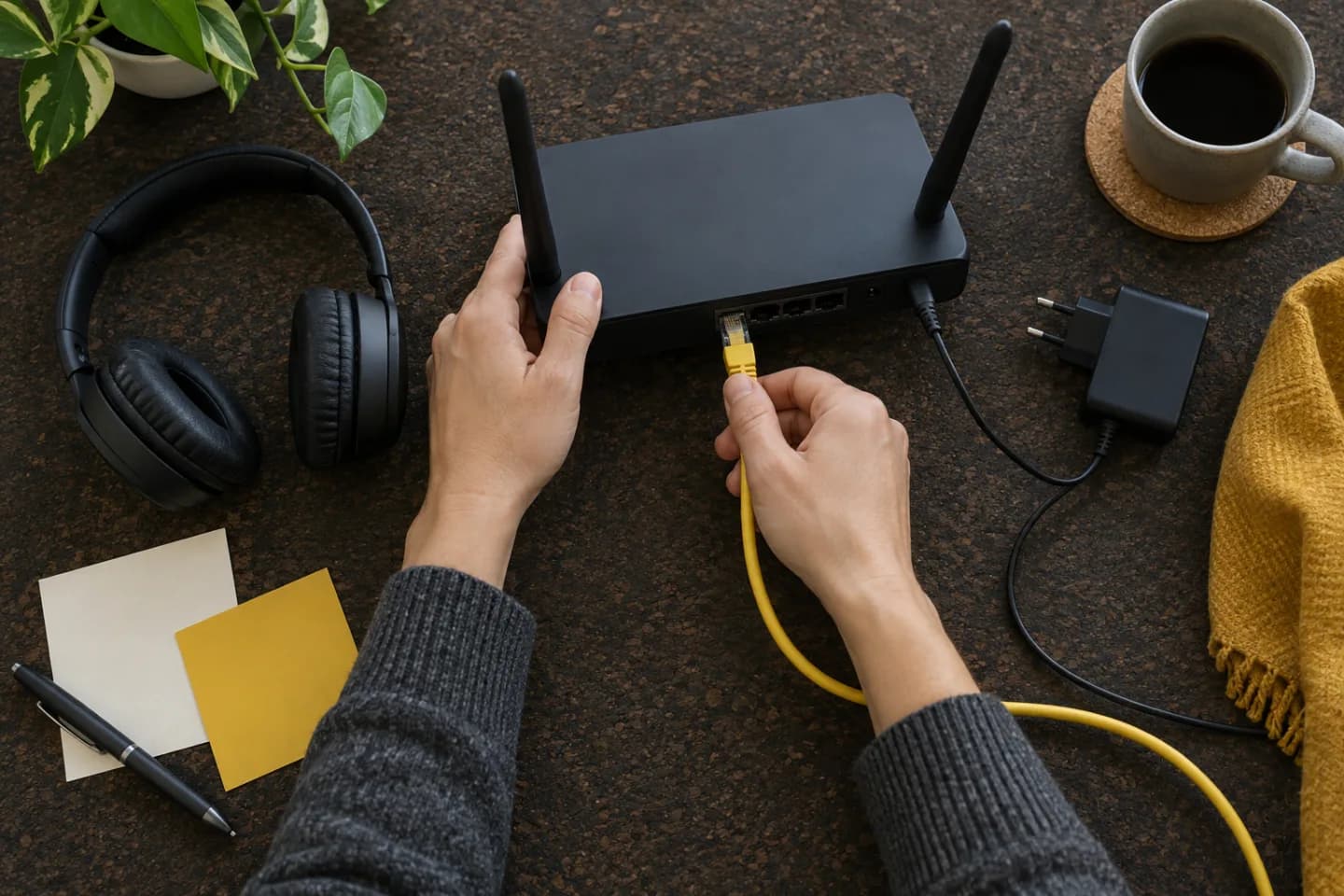
During a brief practice call, speak and listen for several minutes rather than checking only the preview image. Watch for freezes or repeated gaps. If the connection is unstable, try a different position or a wired connection when available, then repeat the test. Reduce avoidable competing activity on your own devices, but do not change a shared network without permission. If no reliable setup is available, contact the recruiter to discuss an alternative location or format instead of hoping it will hold.
3. Verify what the other person hears
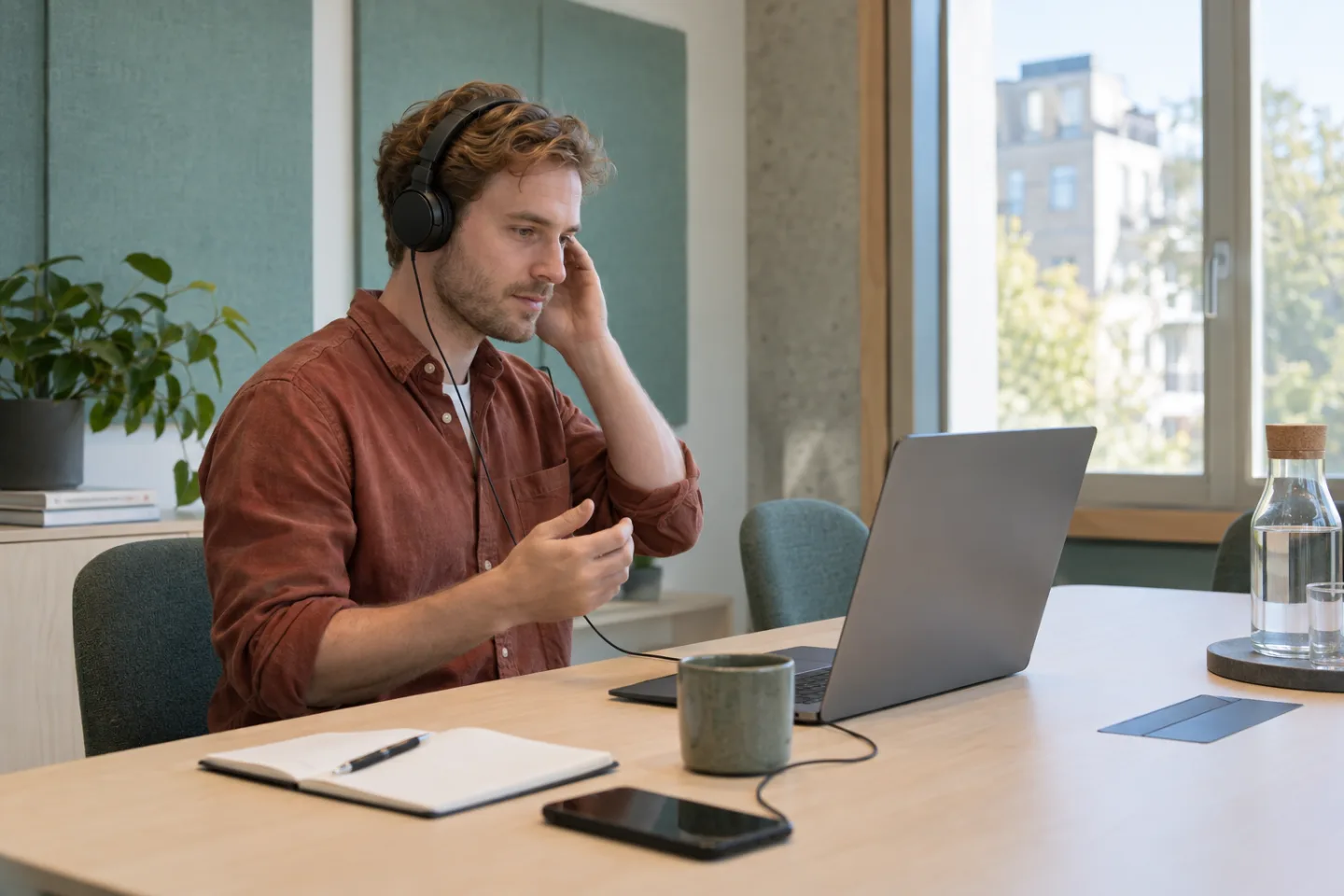
Treat microphone input and speaker output as two separate checks. You may hear the test sound while the application is listening to a different microphone. Speak a normal sentence, play it back if the test offers that option, and confirm the selected devices. Test with the headphones or speakers you actually plan to use. A headset that was suitable for music may behave differently when its microphone is active, so do not rely on its name alone.
Ask a practice partner whether your words remain clear when you turn slightly, look at a note or speak more quietly. Listen for echo, clothing rubbing against a microphone and a keyboard that dominates the conversation. Move or adjust one thing at a time so you know what helped. You do not need studio sound; you need intelligible speech. If a simple wired set works reliably, there is no reason to replace it solely for appearance.
Check the room at approximately the time of the interview. A quiet morning room may become noisy when deliveries, construction or housemates arrive. Tell others when you need privacy and arrange a closed door where possible. Learn the mute control, but remember that muting does not solve noise while you speak. If an interruption occurs, briefly explain it and ask to repeat any words you missed. Guessing a question because you are embarrassed about the sound can lead to a less useful answer.
4. Make the camera view comfortable and private
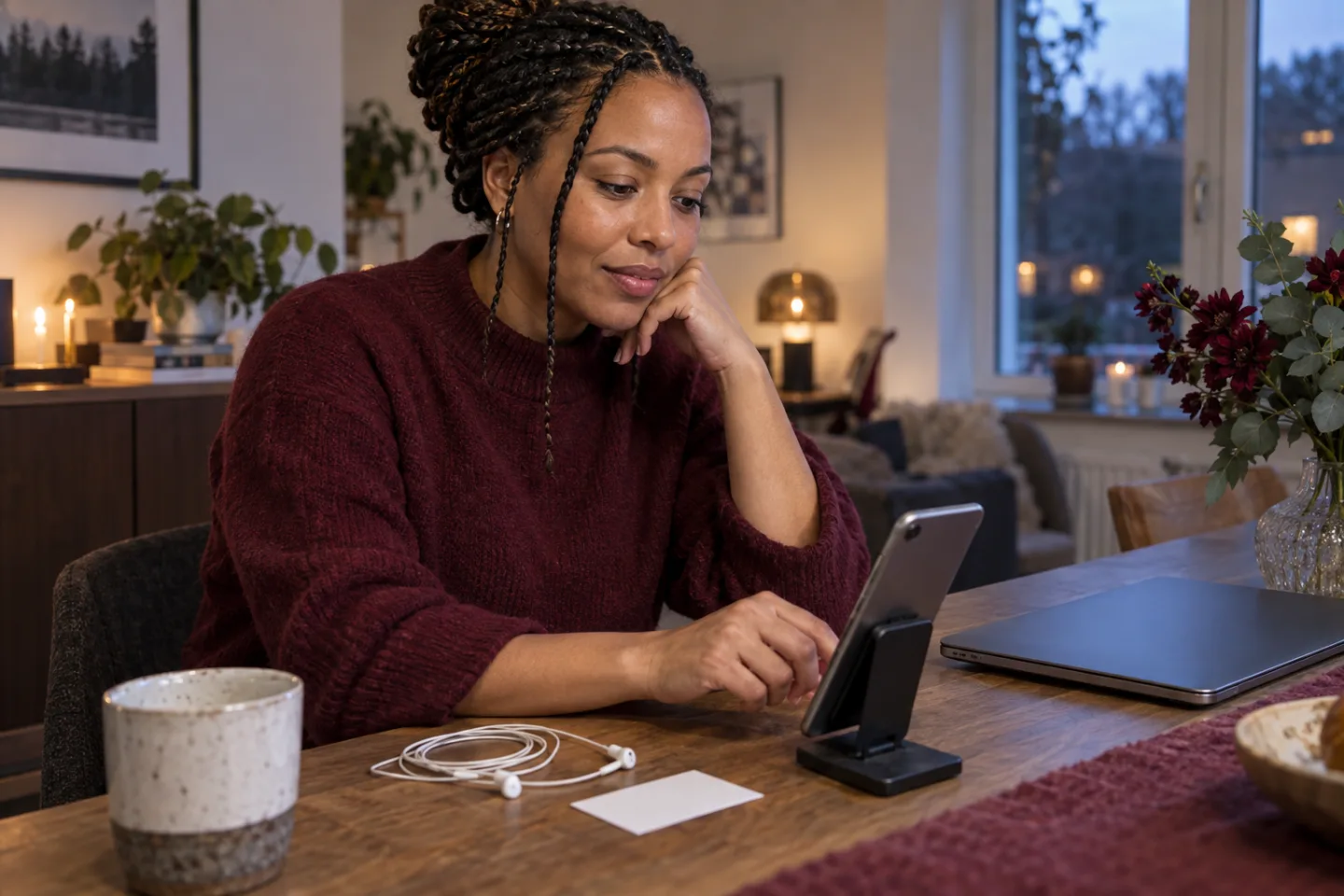
Use the camera preview to check a stable, reasonably level view that includes your face without forcing you to lean forward. Raise a laptop safely if needed; a precarious stack is not an improvement. Look at the image after sitting in your normal position, not while standing over the desk. A phone can be usable when the employer allows it, but put it on a stable support so you can listen and take a note without shaking the picture.
Check the light and what is visible behind you. Facing a window or ordinary lamp may work better than sitting with a bright window behind your head. The aim is a readable face, not a flattering production. Remove personal letters, family photographs or other details you do not want to share. A background effect can obscure objects inconsistently, so test it while moving; do not treat blur as a reliable privacy barrier.
Wear something appropriate to the role and comfortable enough to sit in for the expected duration. Test whether glasses reflect the screen or a garment makes distracting noise, then make a practical adjustment if needed. Looking toward the camera when explaining a point can help, but do not stare at the lens continuously or treat eye contact as a test of character. Listen naturally, use the screen when it helps you understand someone, and discuss an accessible setup when required.

5. Prepare short notes and safe documents
Keep the actual submitted resume, vacancy and a few prompts within reach. The resume matters because an interviewer may ask about the version they received, not the draft you edited later. Write keywords for two or three relevant examples, a question you want clarified and any practical detail you must confirm. A prompt should return you to a real episode; it should not become a paragraph you read while pretending to answer spontaneously.
For an example, note the situation, your responsibility, what you did and what you can support as a result. The STAR examples guide explains that structure in more detail. Keep your contribution separate from the team's work. Do not invent a number to make a rehearsal sound stronger, and do not use an undisclosed answer service to feed responses during an assessment. Follow the employer's rules about assistance, notes and materials.
If a presentation or screen share is expected, prepare only the permitted files. Close private messages and unrelated documents, check notifications, and practice sharing the intended window rather than the whole desktop. Remove client or colleague information from a work sample before the call. Ask if an anonymized version is acceptable when needed. Leave a copy that is easy to find, but avoid keeping a large maze of tabs open: searching through it can distract you and expose more than you intended.
6. Rehearse a conversation, not a performance
Ask a trusted person to run a short practice conversation with your final setup. Give them one realistic question and ask them to interrupt with a follow-up. This reveals whether you can explain the example without reading, hear a question fully and find a note without disappearing from the camera view. Request specific feedback about audibility and clarity, not a prediction about whether you will get the job. A peer cannot know the employer's decision criteria.
Practice pausing briefly after a question because a small delay can make both people speak at once. If you lose part of the question, ask for it again before answering. You can say, 'I missed the final part; could you repeat it?' If you need time to choose an example, say so rather than filling the silence with an unrelated story. For a panel, listen to who is asking and avoid trying to monitor every small expression in every tile.
Prepare a small number of genuine questions that help you assess the work. The guide to questions at the end of an interview can help you choose them. If you record a personal rehearsal, obtain your partner's permission, avoid sensitive information and decide how to remove it afterward. Do not record the actual interview without agreement. Finish the practice by identifying one technical fix and one clearer example; repeating the whole call endlessly is rarely necessary.

7. Agree on a backup and run the final check
Before the appointment, save the recruiter's contact details somewhere you can reach if the laptop disconnects. Charge a second device if you have one, and verify any proposed alternative joining method. A phone or mobile connection is not automatically an acceptable or affordable backup: check the invitation, data availability and whether the format permits it. If possible, ask what the interviewer prefers after a dropped call. One clear plan is better than several untested gadgets.
If the connection drops, try the agreed recovery route and send a short factual message when needed: 'The call disconnected; I am trying to rejoin the same link.' Avoid sending repeated messages through many channels. Once back, confirm the last point both sides heard and continue from there. If the problem persists, discuss rescheduling or another agreed format. A technical fault is not evidence that you are unsuitable, but neither can a checklist promise how an employer will respond.
Shortly before the call, revisit the seven checks: invitation, joining route, sound, view, materials, practice and recovery. Follow the requested arrival time rather than entering a live room much earlier than invited. Keep water and a pen nearby, settle into the tested position and stop making unnecessary changes. Afterward, save the next step and any promised material with your application record. The purpose of preparation is a clear, truthful exchange, not flawless presentation or a guaranteed offer.